
TimeSee
See Your Time. Beat Time Blindness.
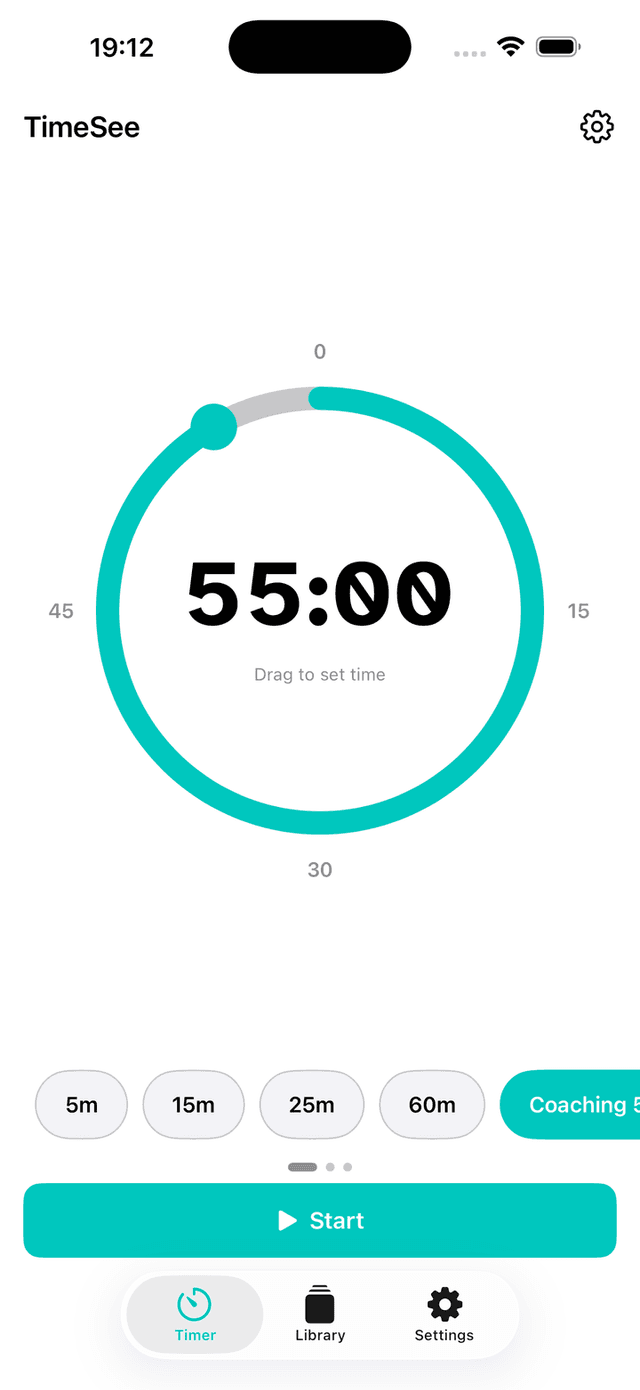
A visual timer designed for ADHD brains. Set your time in one drag, save the whole setup under a name you will recognise, place your own progress marks, and feel time passing through gentle haptics — on your iPhone and Apple Watch.
Download on the App StoreFree on iPhone & Apple Watch. No tracking, no ads.
Built From Your Requests
Every feature below started as an email or an App Store review from someone like you. Most of them came from one ADHD coach who tests every build. Keep them coming.
Calm by Default
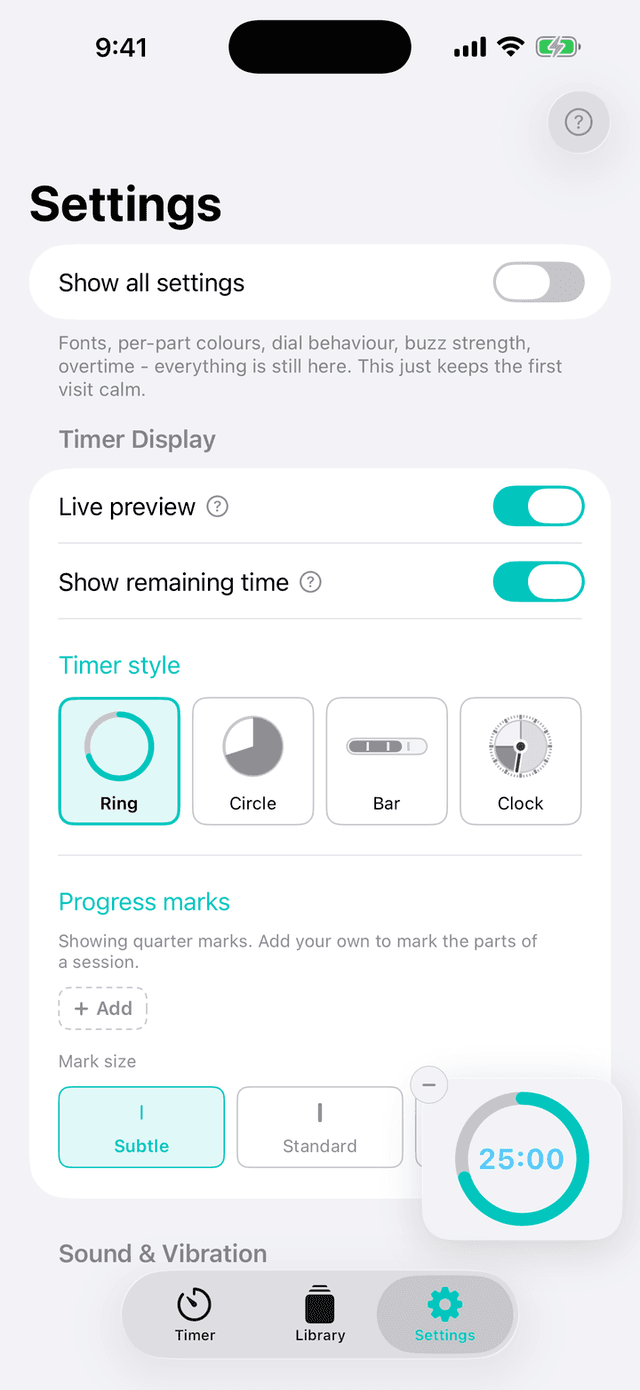
Settings open with just the essentials — your numbers, style, marks, one colour, your message, your sound. One switch at the top, “Show all settings”, reveals every option when you are ready. Nothing is ever removed; the rest simply waits until you ask. Three people asked for this in the same week without knowing it — so it became the headline of 2.6.
A Library of Your Own
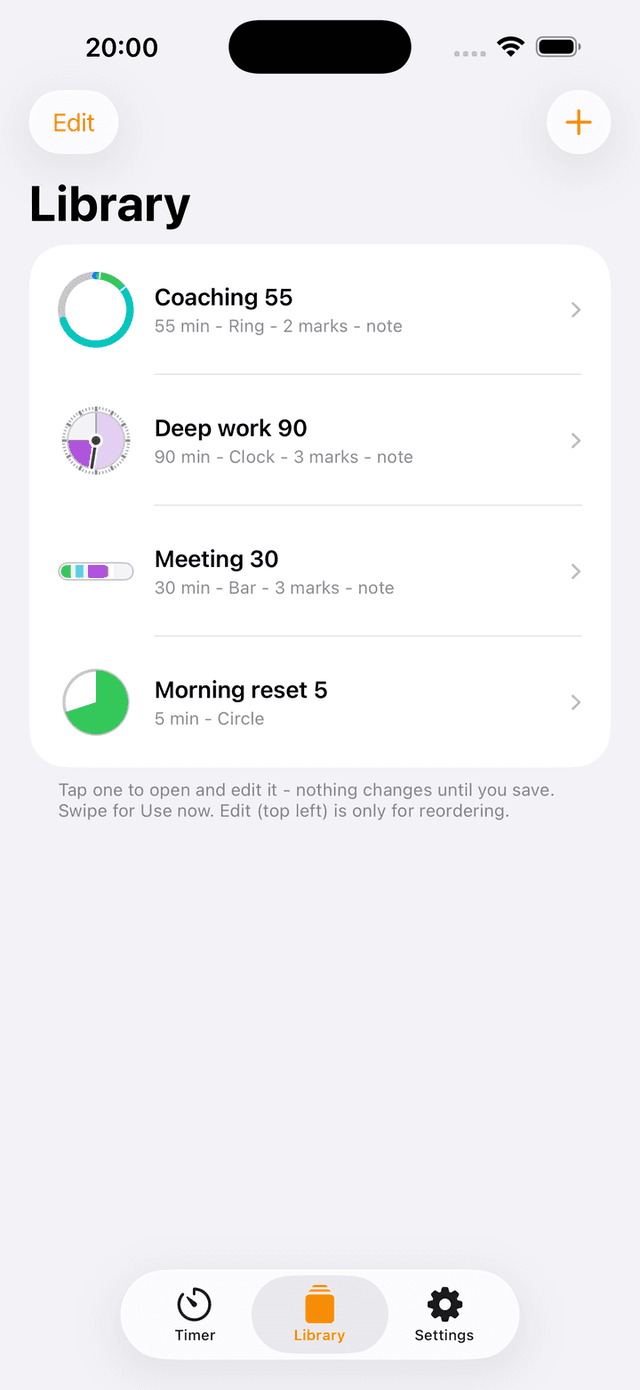
Build a session once and keep it. Its length, its marks, its finish message, its colours, its sounds — saved together under a name you will recognise. A 55-minute coaching call and a 5-minute reset sit side by side, each remembering everything about itself. Tap one to load it, or edit it in place without leaving the list. Nothing changes until you save. Four setups are waiting the first time you open the app, so you can start with a single tap and build your own later.
Five Ways to See Time
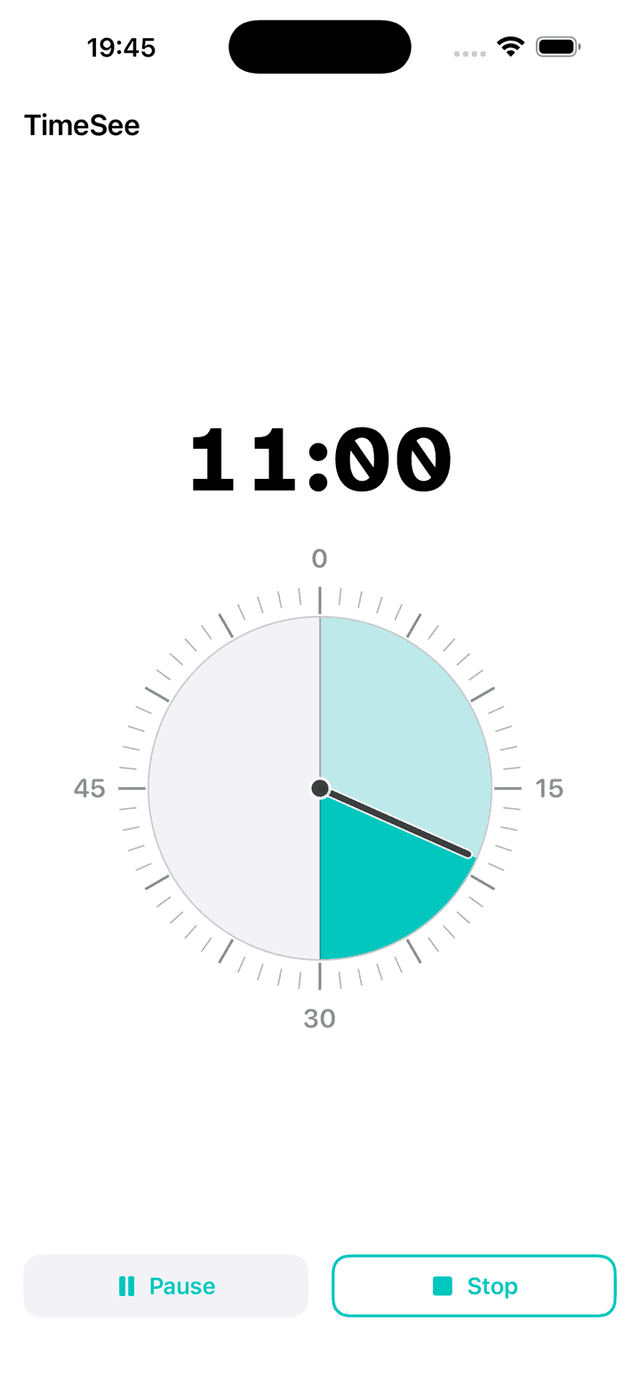
A ring that shrinks, a filling circle, a slim bar, an analog dial where elapsed time stays visible in a lighter shade, or a real wall clock showing the time of day. Time becomes a shape rather than a number — pick the one your brain reads best. No clutter, just a countdown that keeps you in the present moment.
The Clock on Your Wall
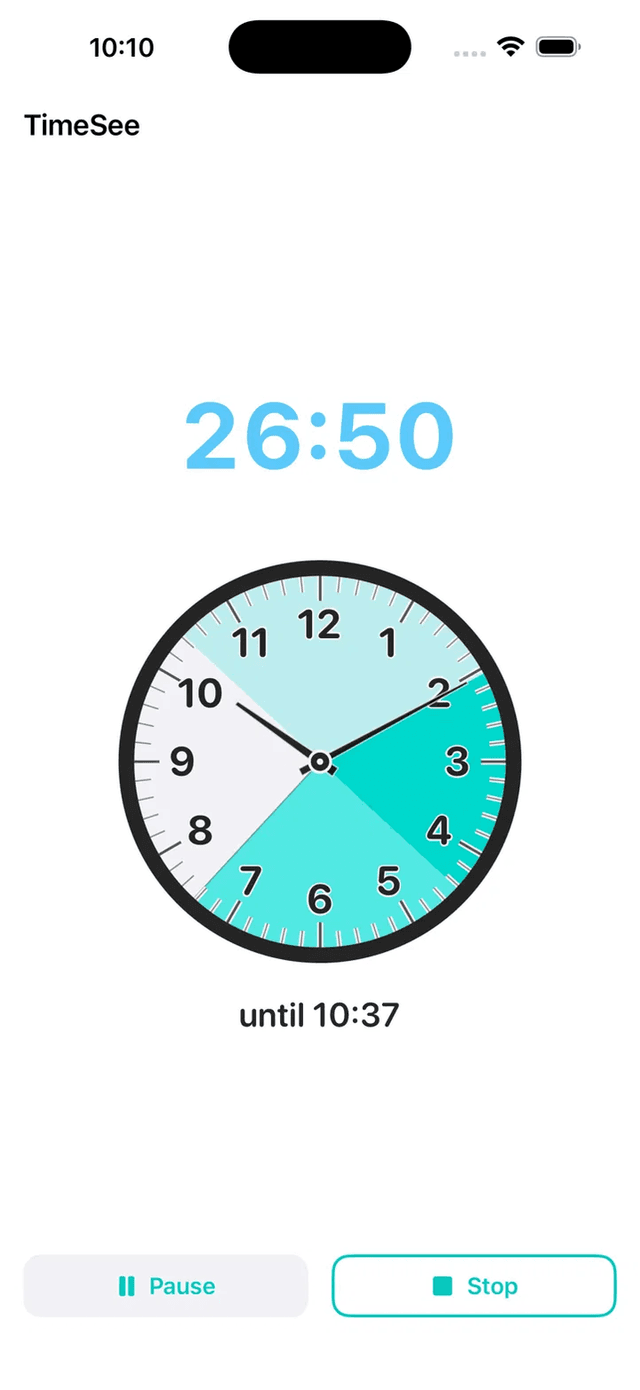
A real clock face — 1 to 12, two hands, the actual time of day — with your session drawn across it as a coloured band. Underneath sits one quiet line: until 10:37. The end of your task now has a place on the same clock that hangs on your wall, so looking up is enough. Nothing to work out, nothing to count backwards from. This one began as a three-star review asking to see the time already spent, and it kept growing every time someone described the same problem in different words.
Mark the Parts of Your Session
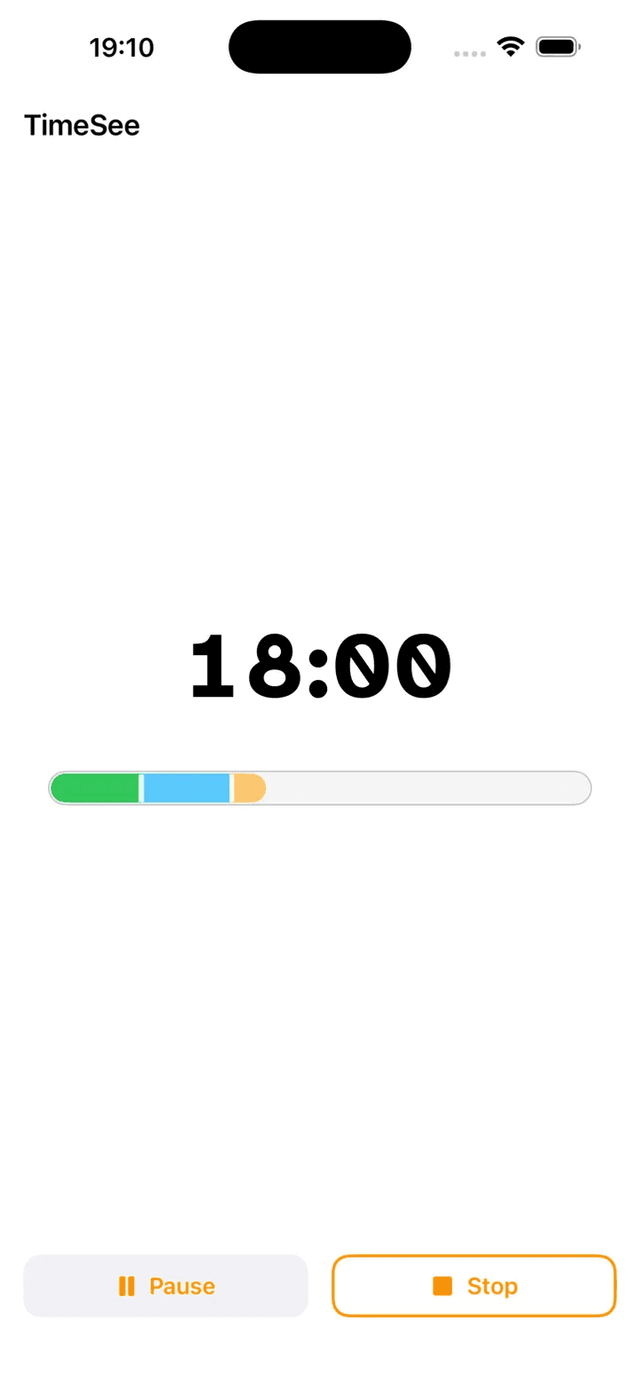
Say, 8 and 16 minutes of a 30-minute call. Up to eight marks on the bar, ring, clock and wall clock timers. Passed marks quietly fade, marks outside the current timer hide themselves, and you choose whether they sit Subtle, Standard or Bold. Give each section its own shade and the shape of your session becomes readable at a glance. No sounds, no pop-ups. Guidance, not judgement.
Feel Time Passing
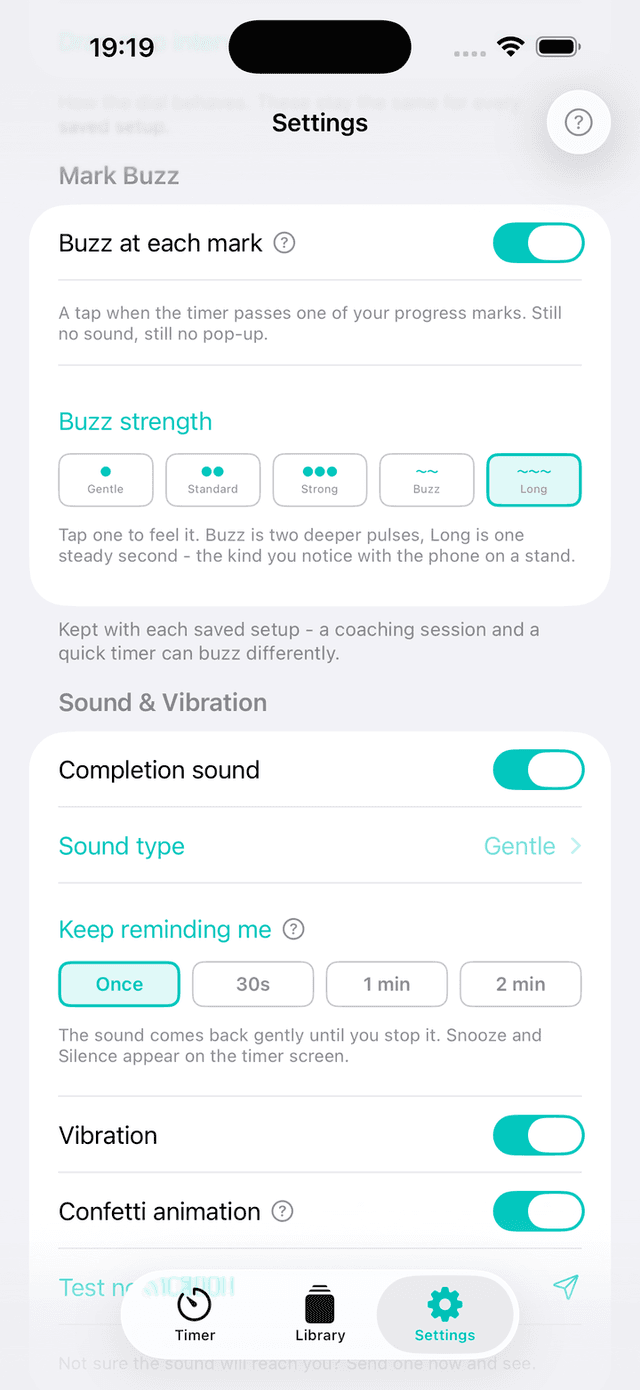
A gentle tap as the timer passes each of your marks — five strengths, from a light touch to a long steady pulse you can feel with the phone on a stand. A quiet tap on the shoulder, without breaking your focus.
A Message for Your Future Self
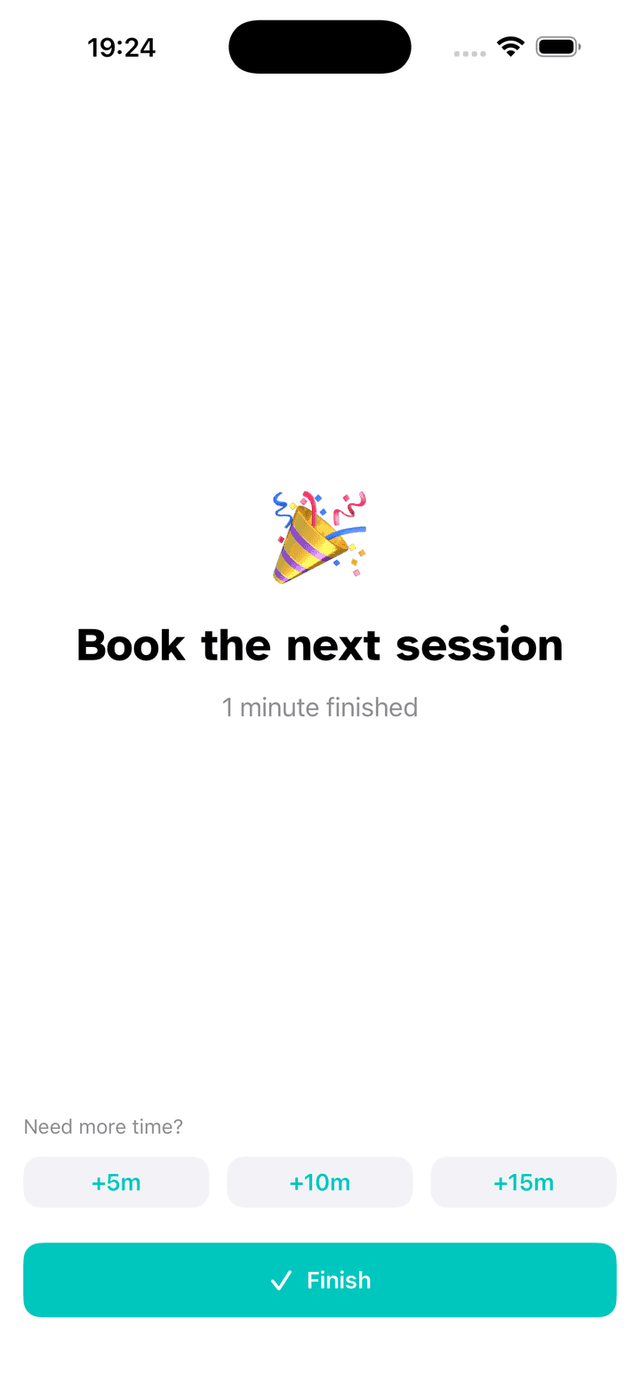
Write a note before you start — “book the next appointment”, “drink some water” — and it waits for you at the end. Choose its font, size, colour and letter spacing, so it lands the way you need it to.
Designed for How Your Mind Works
It's not that you don't care about being on time. Your brain just doesn't register time the way clocks expect. TimeSee makes time something you can see, feel, and control.
An Ending, Not an Alarm
The finish sound comes back gently until you are ready, instead of one alarm you have to kill. Snooze it for five, ten, fifteen or twenty minutes, or silence it — either can be undone with the same tap. Time being up should not feel like being told off.
Apple Watch Companion
Your timer syncs to your wrist, following the colours, style and marks you chose on your iPhone. Stay grounded without reaching for your phone — useful in meetings where checking it would be rude.
Overtime Mode
The timer doesn't stop at zero — it counts up, so you see how long tasks really take. Show it as +2:30 or −2:30 (like Zoom), in any colour that keeps you calm. Red is an option, never a rule.
Help Where You Need It
Question marks sit beside the settings whose names do not explain themselves, and a small live preview shows your timer as you change it. Tap the preview to flip it over and see the finish screen.
Keep Screen On
A toggle that keeps your display awake while the timer runs. No more dark screens or missed countdowns — your timer stays visible.
15 Completion Sounds
From a calming Japanese wind chime (Furin) to a Zen singing bowl, retro game tones, or a celebratory fanfare — pick the sound that fits your mood. Or turn sound off entirely for silent meetings — the ending still arrives as a gentle vibration.
Fully Customizable
15 colour themes plus any custom colour, 11 colours for the digits, 5 fonts including ADHD-friendly Atkinson Hyperlegible and Lexend, adjustable letter spacing, ring thickness, mark size, and timer size.
Sixteen App Icons
Pick the icon that sits on your Home Screen — the original plus all fifteen accent colours. A small thing, but it makes the app feel like yours before you have even opened it.
Also in Your Browser
The same timer runs on the web, and floats on top of your video call in Chrome, Edge or Firefox. Nothing is stored and no account is asked for: your setup — and your whole library — live inside the link, so a bookmark keeps them and sending the link hands them to someone else.
Privacy First
No accounts, no tracking, no data collection. Your timer data stays on your device. Period.
More of the App
TimeSee works across your iPhone and Apple Watch, keeping you aware of time wherever you are.
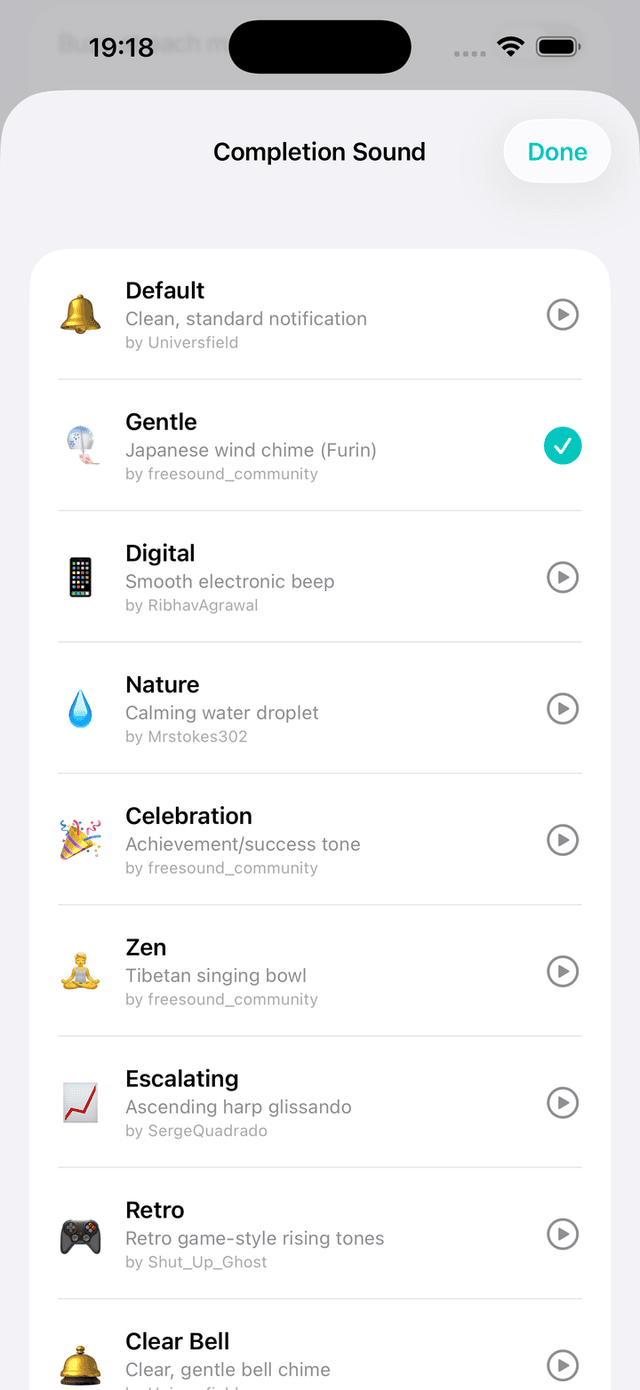
15 Sounds
Apple Watch
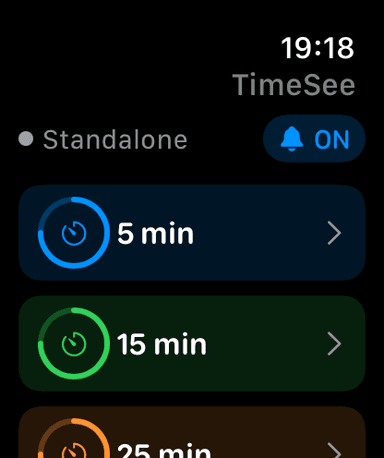
Quick Start
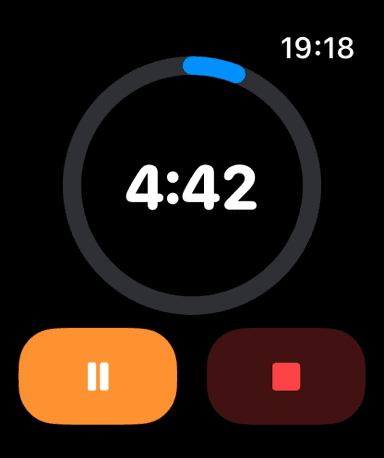
At a Glance
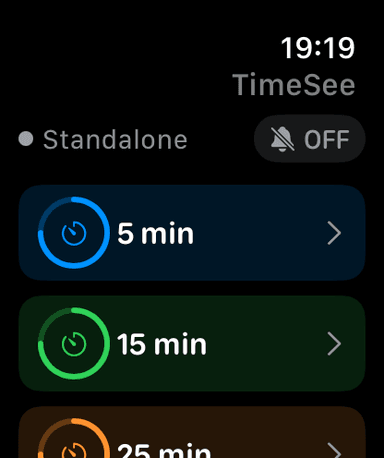
Silent Mode
Take Control of Your Time
TimeSee turns invisible time into something you can see, feel, and control. Free on iPhone and Apple Watch. No data collection. Just a timer that works with your brain.
Download on the App Store